The app/Alerts
Hear when something changes.
Save a property and we check it every night. A new application nearby, a rezoning or a change to an overlay is waiting for you the next morning.
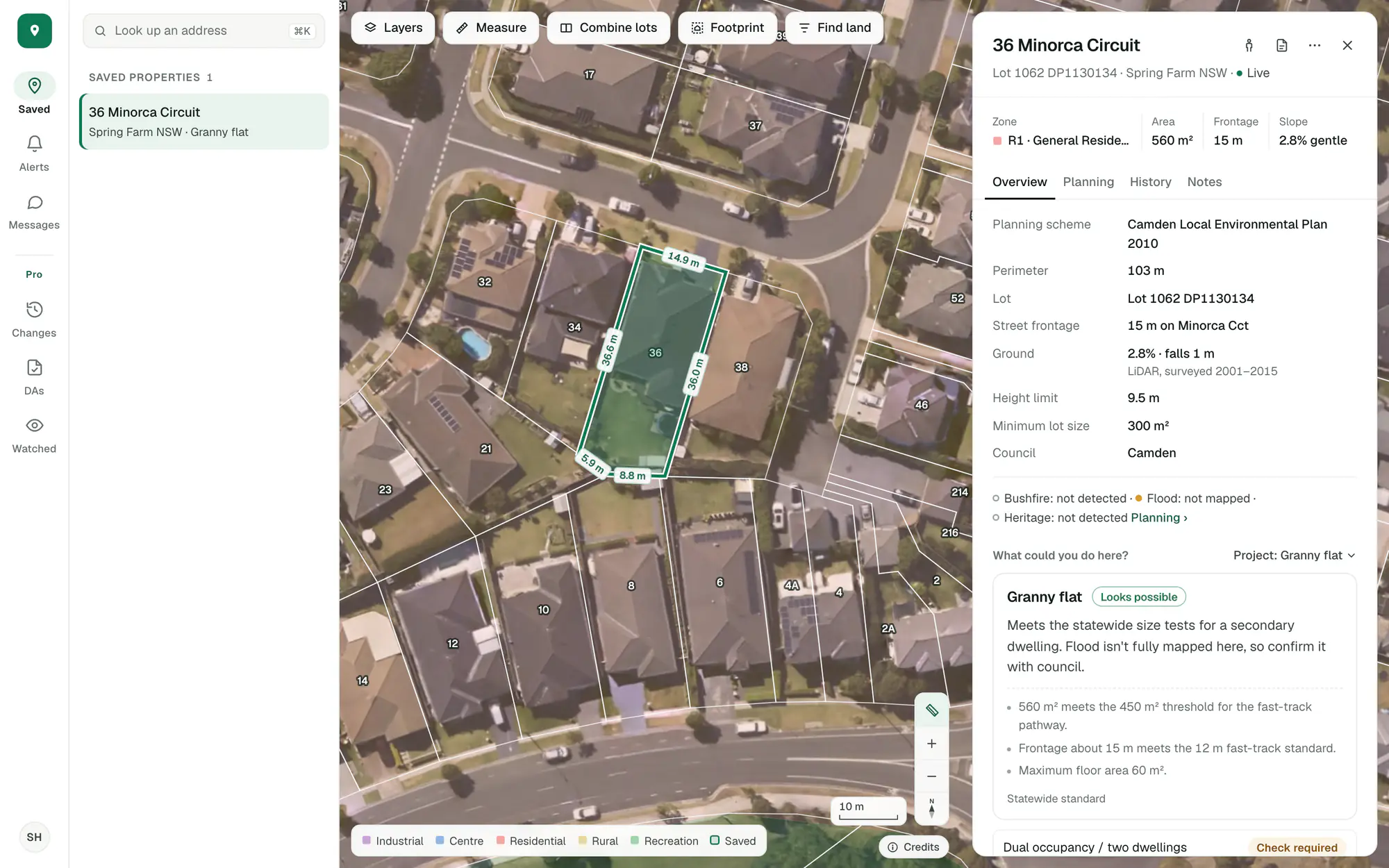
Imagery © State of NSW (Spatial Services, DCS), CC BY 4.0.
Every saved property, every night, from the night you save it.
Alerts wait in the app, and one short email brings them to you each morning or once a week.
A correction to our own data or a redrawn line on a map is set aside, so an alert means the land or its rules moved.
Save a property and we watch it.
Save a lot and it is watched from that night. When something changes on it or near it, it is waiting in Alerts the next morning and in the property’s own history.
- A new application lodged nearby
- A rezoning, or a change to an overlay
- A change to the planning controls or the rules for your project
Imagery © State of NSW (Spatial Services, DCS), CC BY 4.0.
On your phone and in your inbox.
The app works on your phone at the same address, and the email arrives whether you open the app or not. Choose each morning, once a week, or no email at all.
- One short email with everything in it
- Each alert opens the property at its history
- Yours to switch off in Settings
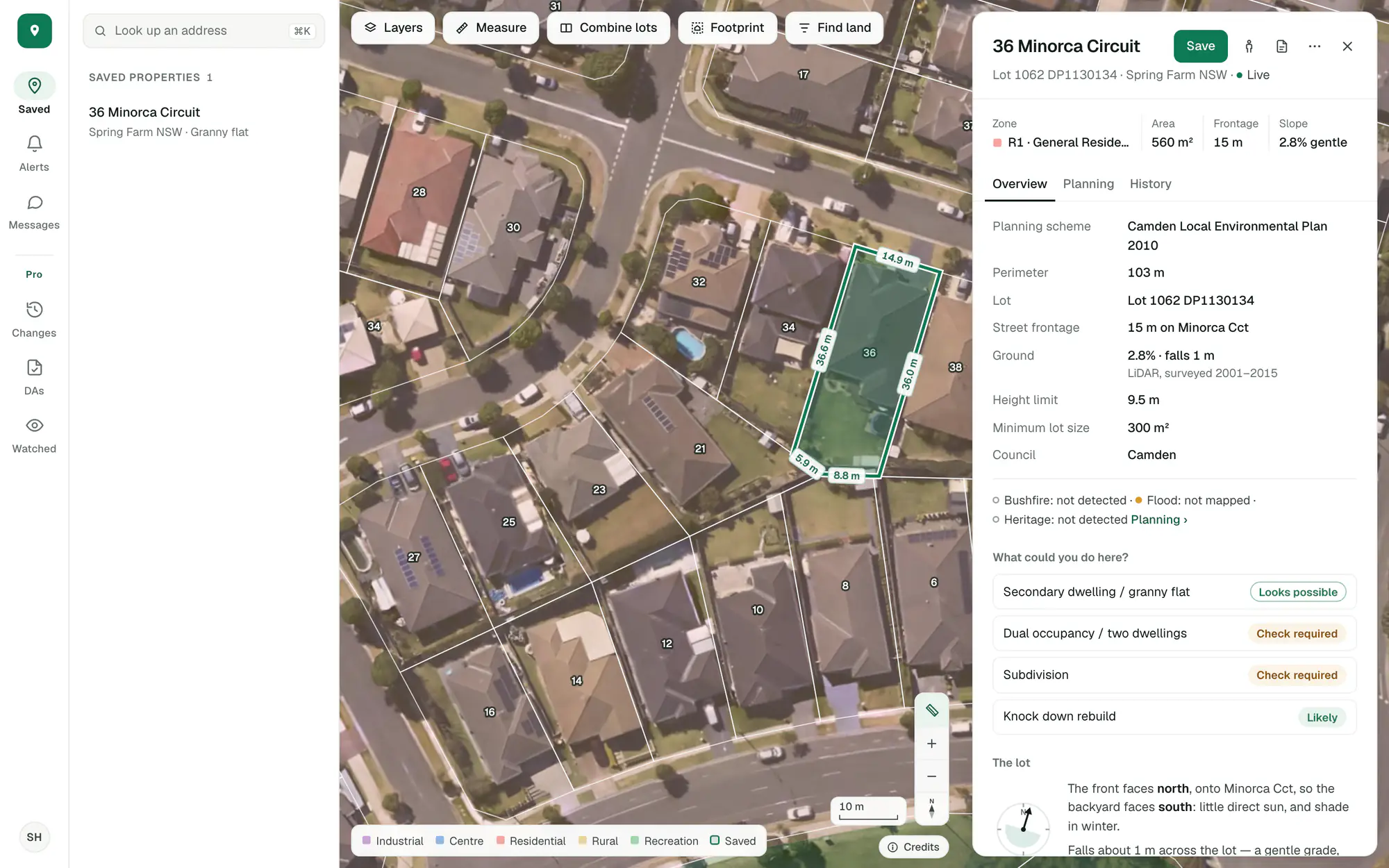
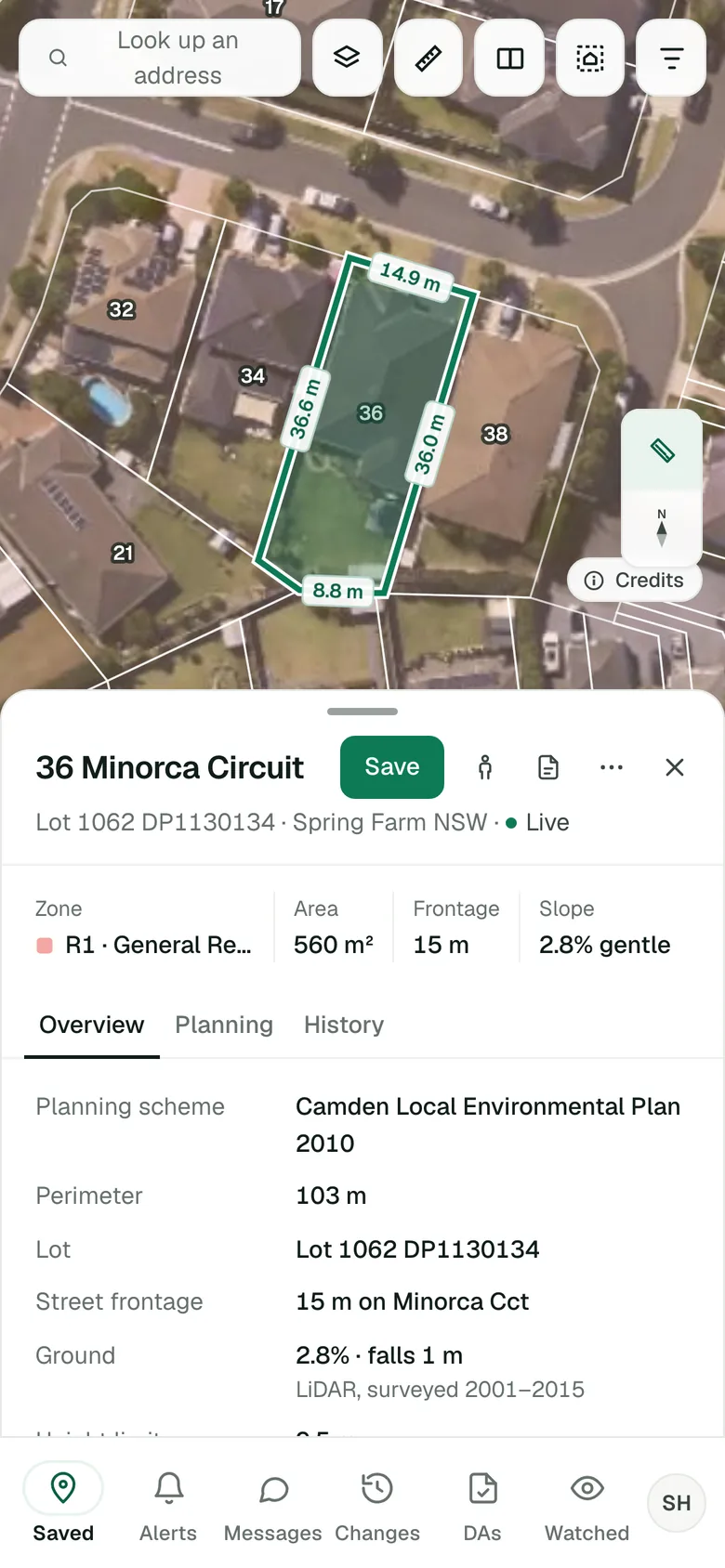
Imagery © State of NSW (Spatial Services, DCS), CC BY 4.0.
Watch a whole area with Pro.
With Pro you can watch more than your own properties: mark out the suburbs and councils you work in, and hear about new applications and rezonings there too.
Zoning changes and watched areas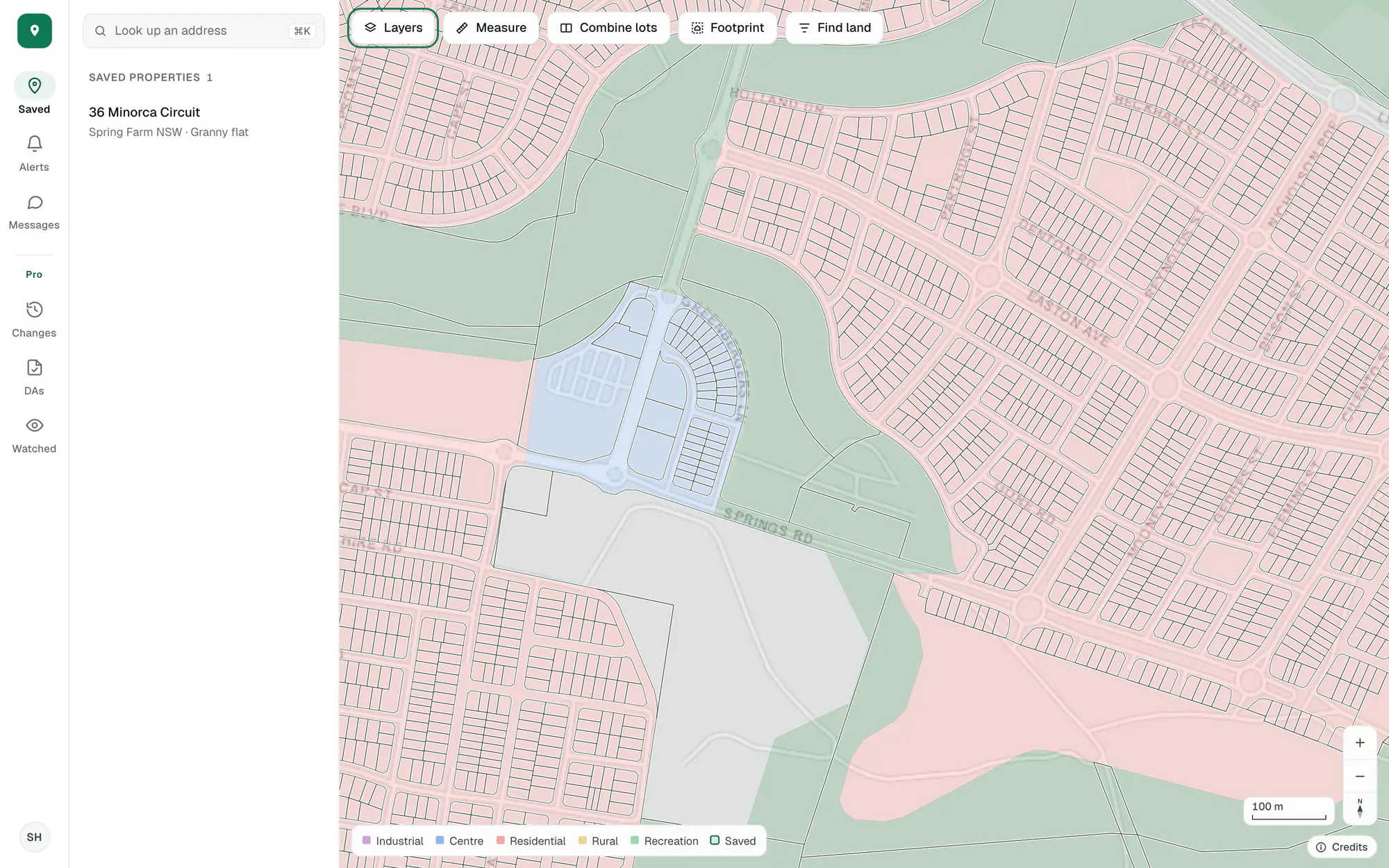
Imagery © State of NSW (Spatial Services, DCS), CC BY 4.0.
Alerts on your saved properties, in the app and by email, are in the free account. Watching a whole area is Pro.
Start with the lot you’re looking at.
Free, in a minute, with just your email.
General guidance only. ZoneScout reads published government planning data and summarises published standards. It isn’t professional planning advice.